

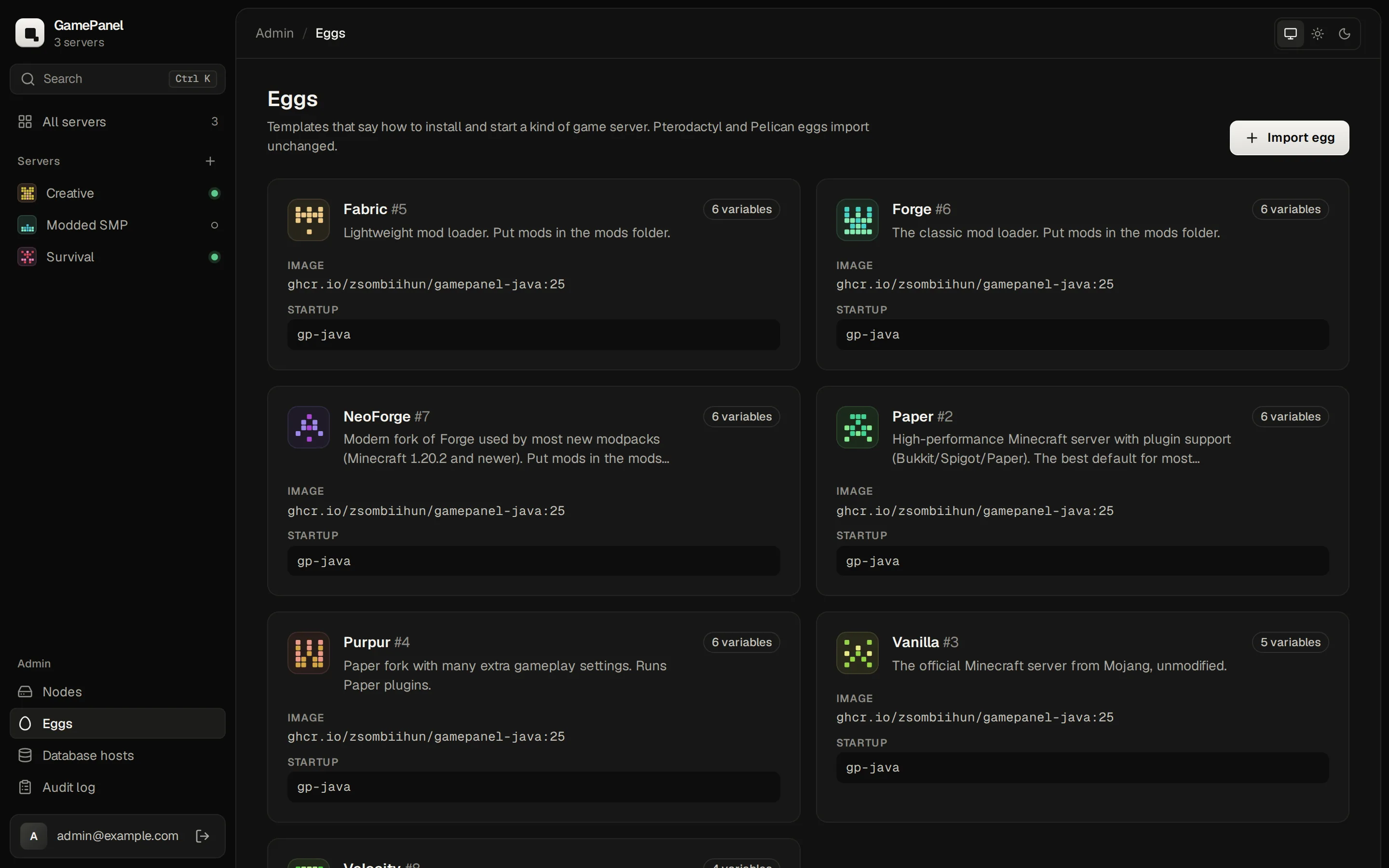
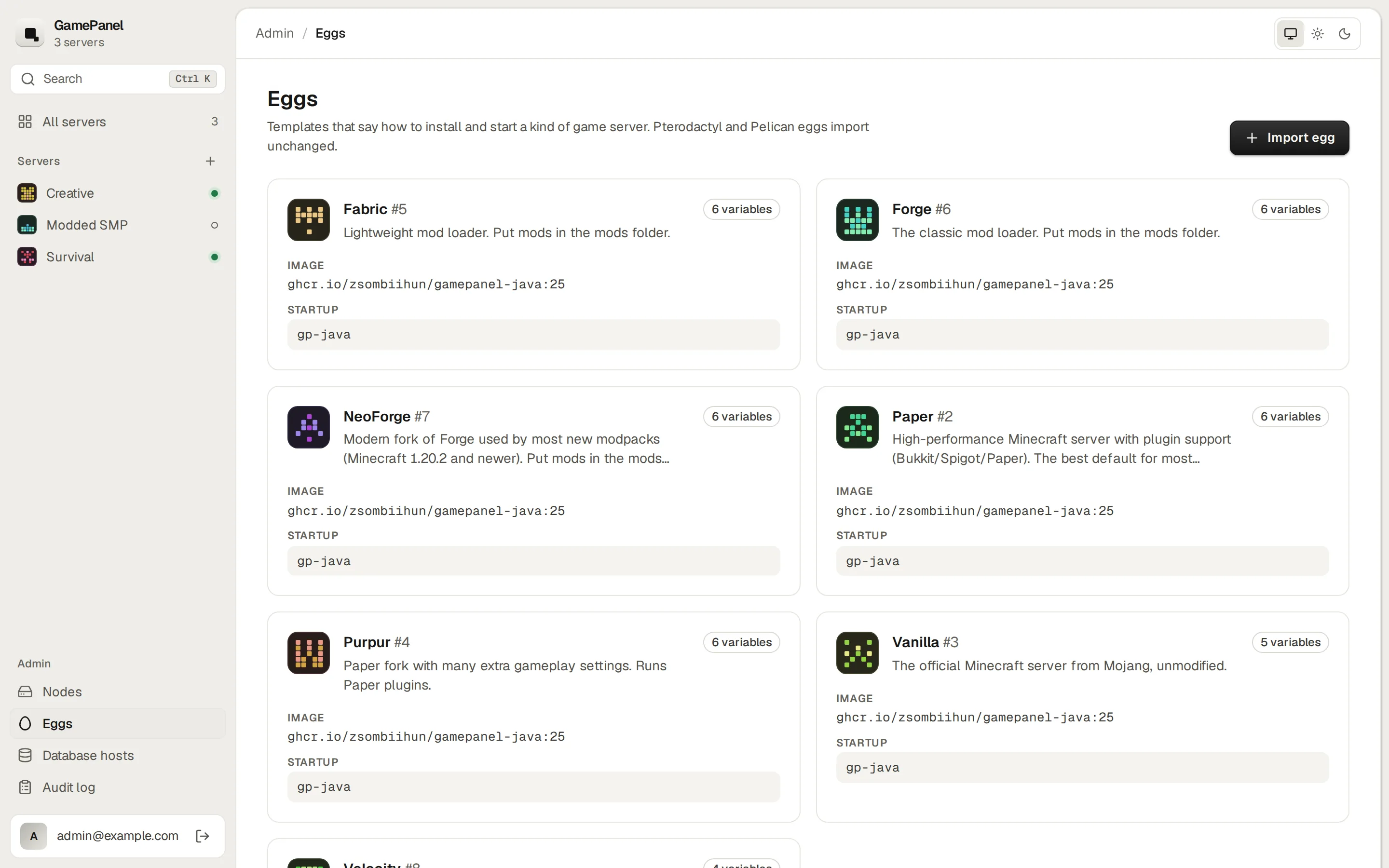
Eggs
An egg says how to run one kind of server: which Docker images it can use, the startup command, the stop command, the variables a user can set, and the install script that downloads the game. GamePanel reads Pterodactyl's egg format (PTDL v1 and v2), which Pelican also uses, so the large community library works.
Importing an egg
Open Eggs (admin) and import a .json egg file, or call POST /api/eggs/import with the file as the body.
Where to find eggs:
- pelican-eggs: the community collection for games (Minecraft, Steam games, Rust, ARK, Valheim and many more), applications, databases, bots and language runtimes.
- An egg you exported from an existing Pterodactyl or Pelican panel (Nests → egg → Export).
What is imported
| Egg field | Used for |
|---|---|
name, description | Shown in the interface |
docker_images (v2), images or docker_image (v1) | The images a server can use. The first one is the default, as in Pterodactyl (for Java eggs that is usually the newest Java) |
startup | The startup command. {{VAR}} becomes ${VAR}, and the panel values below become the variable that holds them (see Startup placeholders) |
config.stop | The stop command sent to the console, or ^C to send an interrupt. Default ^C |
config.startup.done | Console text that means the server has started: it shows starting until a line contains it. regex: entries are skipped |
config.files | Config files edited before each start, such as server-port in Minecraft's server.properties. See Config files |
features | The UI offers help for some of them, such as accepting Minecraft's EULA |
scripts.installation | The install script, its container image and entrypoint (bash or ash) |
variables | Name, description, environment variable, default, user_viewable, user_editable, and rules |
The import is refused when the egg has no name, no startup command or no image, when an image name is not a valid Docker reference, or when it has an install script but no installer image. Variables with malformed names are skipped.
What is not imported (yet)
These parts of an egg are ignored. Most eggs work without them:
| Egg field | In Pterodactyl | In GamePanel |
|---|---|---|
config.files with the xml parser | Edits an XML config file before each start | Not done. Set the port in that file yourself. The egg's other config files are edited |
config.logs | Log settings | Not used |
file_denylist | Files users may not edit | Not used |
Other {{config.*}} and {{server.*}} placeholders in startup | Panel values substituted into the command | Left as written; only the ones under Startup placeholders are filled |
Startup placeholders
A startup command can use the server's variables ({{SERVER_JARFILE}}) and these panel values. Each becomes an environment variable, never text in the command, so a value cannot inject a shell command:
| Placeholder | Becomes | Value |
|---|---|---|
{{server.build.default.port}} | ${SERVER_PORT} | The server's primary port |
{{server.build.memory}} | ${SERVER_MEMORY} | The memory limit in MB |
{{server.build.default.ip}} | ${SERVER_IP} | 0.0.0.0: ports are published on all of the node's addresses |
{{server.uuid}} | ${P_SERVER_UUID} | The server's id |
Spaces inside the braces are allowed ({{ server.build.memory }}).
Config files
Before each start the node edits the files in the egg's config.files, as Pterodactyl's Wings does. A file that does not exist yet is created, so a new Minecraft server listens on its own port from its very first start. Comments and the order of keys are kept for properties, ini and yaml files.
| Parser | Key | Notes |
|---|---|---|
properties | The property name | Java .properties, e.g. server.properties |
ini | key, or section.key | A missing key is added to its section |
yaml, json | A path such as listeners[0].host; * matches every child (servers.*.address) | Whole numbers and true/false are written as numbers and booleans |
file | The start of a line | Each line that starts with the key is replaced by the value |
A value can use these placeholders, filled from the server's own settings:
{{server.build.default.port}},{{server.build.default.ip}}(0.0.0.0),{{server.build.memory}},{{server.build.swap}},{{server.build.cpu}},{{server.build.disk}},{{server.build.io}},{{server.uuid}};{{server.build.env.NAME}}or{{env.NAME}}: the server's variableNAME;{{config.docker.interface}}: the address containers reach the node on (the Docker bridge's gateway, usually172.17.0.1), so a proxy can reach servers on the same node.
Any other placeholder becomes empty. Unlike Wings, the node never fills one from its own configuration, so its token cannot end up in a game's files.
A find value that is an object, such as {"regex:^(127\\.0\\.0\\.1|localhost)(:\\d{1,5})?$": "{{config.docker.interface}}$2"}, changes the key only while its current value matches: exactly, or for regex:, by replacing the matching part ($1, $2 are its groups). A file that cannot be edited (broken YAML, say) is left as it is; the console says why and the server still starts.
Ports
Each server port is published on the same number inside the container as outside. A game must listen on the port it was given:
- Eggs whose startup passes the port on the command line (
-port {{SERVER_PORT}},+port {{SERVER_PORT}},--port ...), as most Steam game eggs do, work as they are. - Eggs that write the port into a config file through
config.files, such as Minecraft's, work as they are too. - Eggs that need it in an XML file (see above) do not: set the port in that file yourself in Files, then restart.
Variables
Each variable becomes an environment variable in the server's container. In the interface:
user_viewable: falsehides it from the owner and subusers (admins still see it).user_editable: falselets only admins change it.
Rules
Values are checked against the egg's rules when a server is created and whenever a variable changes. Pterodactyl uses Laravel validation rules, such as required|string|max:20 or nullable|integer|between:1,64. GamePanel checks the ones eggs use:
| Rule | Meaning |
|---|---|
required, nullable | Must have a value, or may be empty |
integer, numeric, boolean | A whole number, any number, or 1/0/true/false |
in:a,b, not_in:a,b | One of, or none of, the listed values |
regex:/.../ | Matches the pattern |
max:n, min:n, between:a,b, size:n | The number, for numbers; the length, for text |
alpha, alpha_num, alpha_dash | Letters; letters and digits; also - and _ |
url | A URL |
A value that breaks a rule is refused with a message naming the variable. Rules GamePanel does not know are ignored, as are patterns Go's regular expressions cannot express (look-arounds, back-references), so an egg written for Pterodactyl never makes a value impossible to save.
Built-in variables
The panel always sets:
| Variable | Value |
|---|---|
SERVER_MEMORY | The server's memory limit in MB |
SERVER_PORT | The server's primary port |
SERVER_IP | 0.0.0.0: ports are published on all of the node's addresses |
P_SERVER_UUID | The server's id |
They cannot be overridden through the API, and neither can any variable the egg does not declare (so nobody can set LD_PRELOAD and the like).
Pterodactyl also sets P_SERVER_LOCATION, P_SERVER_ALLOCATION_LIMIT and TZ. GamePanel does not; an egg whose startup uses one of them gets an empty value.
Startup and safety
Pterodactyl builds the startup command by pasting variable values into it as text, which has led to command injection and token leaks. GamePanel does not:
{{VAR}}becomes${VAR}, and values reach the process only as environment variables. The shell expands them without parsing their contents again, so a value like; rm -rf /stays a harmless string.- No panel or node secret is ever substituted into a command or script.
- The image's own
ENTRYPOINTis replaced by/bin/sh -c <startup>. Pterodactyl's "yolk" images ship an entrypoint that re-parses aSTARTUPvariable; GamePanel does not need it, so it is not run. - The container runs as the owner of the server's folder (uid 1000), with every capability dropped and
no-new-privileges.
Install scripts
The install script runs once when a server is created, and again on Reinstall:
- in its own container, from the egg's installer image,
- with the server's folder at
/mnt/serverand the script at/mnt/install/install.sh, - with the server's variables in the environment,
- without capabilities, with at least 1 GB of memory and 4096 processes,
- stopped after 30 minutes.
Its output is the server's console. Afterwards the files are handed to the folder's owner. A non-zero exit (or the 30-minute limit) marks the server install failed; it will not start until a reinstall succeeds.
Docker images
Users with the startup.docker-image permission can switch between the images the egg lists. Admins can also set any other image. See Startup settings.
Writing your own egg
Write it in Pterodactyl's format; Pelican's guide to creating a custom egg applies, with the differences above. In short:
- Start from a similar egg.
- Put the port on the command line with
{{SERVER_PORT}}instead of relying onconfig.files. - Keep the install script idempotent: it runs again on reinstall, over existing files.
- Test it: create a server, watch the install output, start it, connect.