

Files
The Files tab is a file manager for the server's folder. You need files.read to look and files.write to change anything. Everything here is also possible over SFTP.
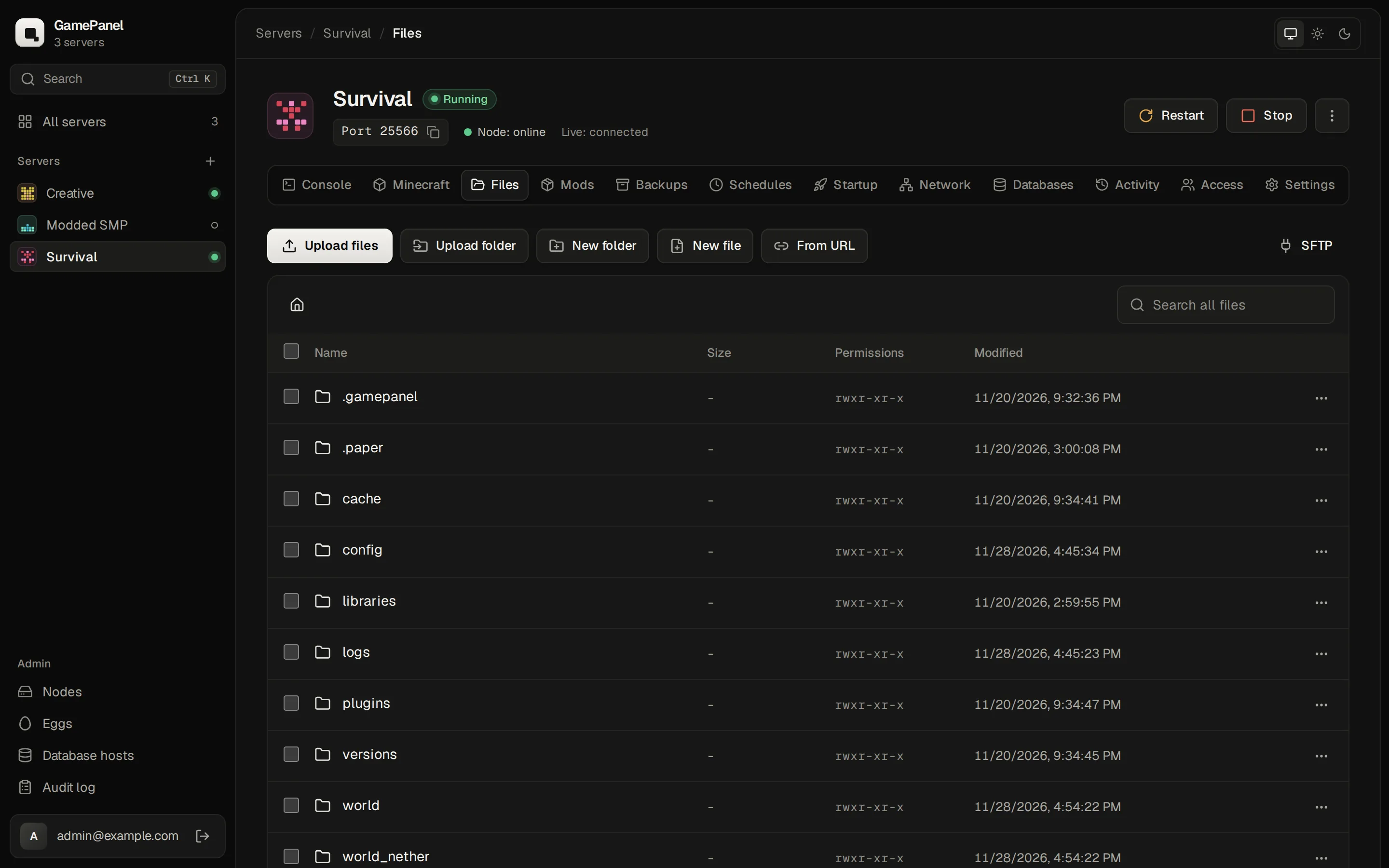
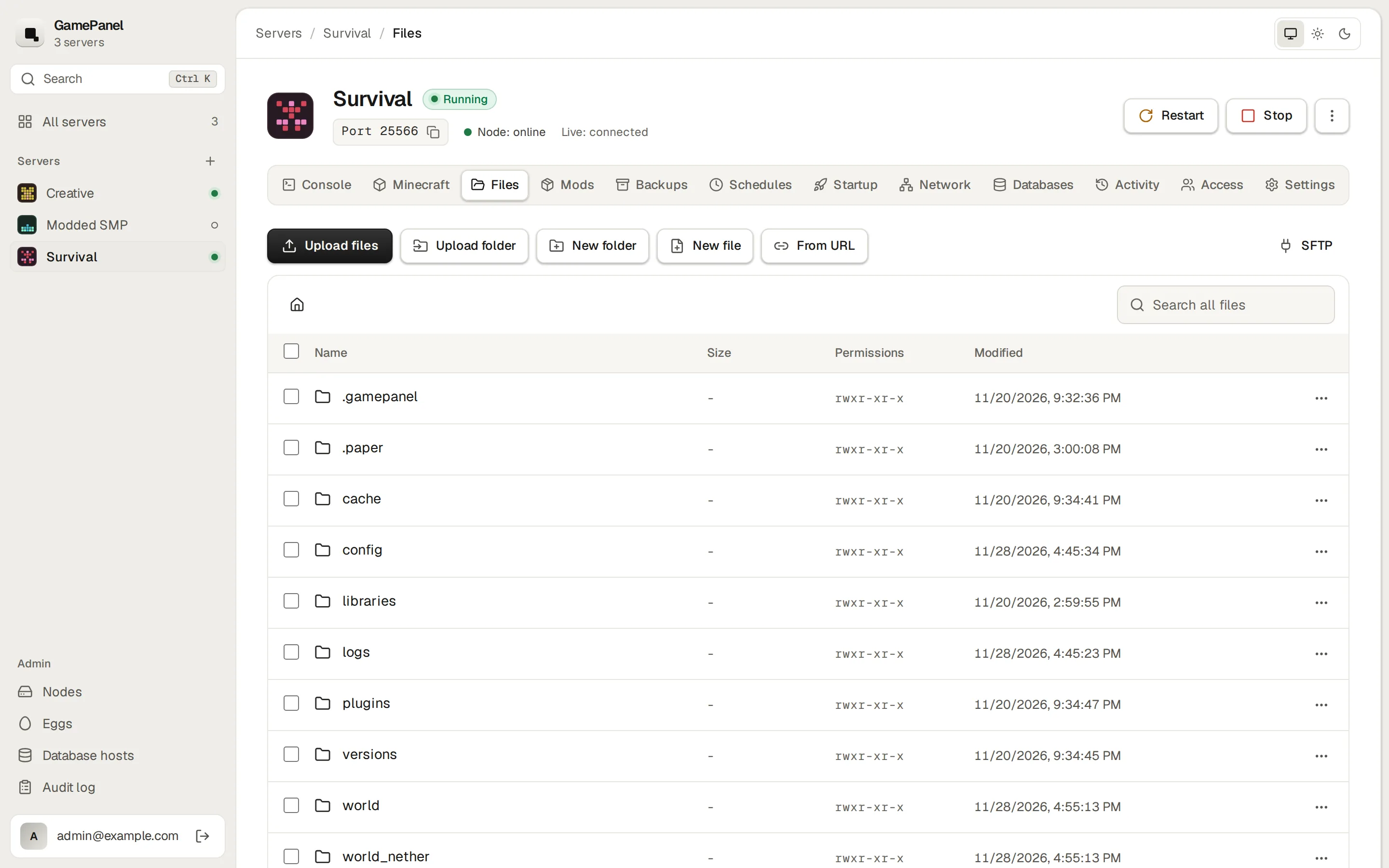
What you can do
- Browse folders; the folder you are in is part of the address, so Back works and you can link to it.
- Edit text files in a code editor with syntax highlighting. Files over 10 MiB are not opened in the editor; download them instead.
- Search file names in every subfolder.
- Upload files, or whole folders, by dragging them onto the page.
- Download files.
- Create files and folders (missing parent folders are made too).
- Rename and move, copy, and change permissions (
chmod). - Compress files and folders into an archive, and extract archives:
.zip,.tar,.tar.gz/.tgz,.tar.bz2/.tbz2. - Pull from a URL: the node downloads a file from the internet straight into the server (up to 30 minutes).
- Select several files and move, delete or compress them together.
Each change is recorded in the server's activity.
Safety
- Every operation stays inside the server's folder. Paths are resolved with Go's
os.Root, and symlinks that point outside are refused. This class of bug was behind several Pterodactyl Wings vulnerabilities; GamePanel tests it against hostile symlinks. - Archives are extracted with the same checks, so an archive cannot write outside the folder.
- Pull from a URL refuses private and local addresses (
10.x,192.168.x,127.x, link-local and so on), so nobody can use it to reach the node's own network. An admin can allow them per node withGAMEPANEL_PULL_ALLOW_PRIVATE=1. - The disk limit is checked before writes.
Large uploads
Uploads stream from your browser through the panel to the node. If the panel is behind a CDN or proxy that caps request size (Cloudflare's is 100 MB on its Free and Pro plans), use SFTP for larger files.