

Nodes and capacity
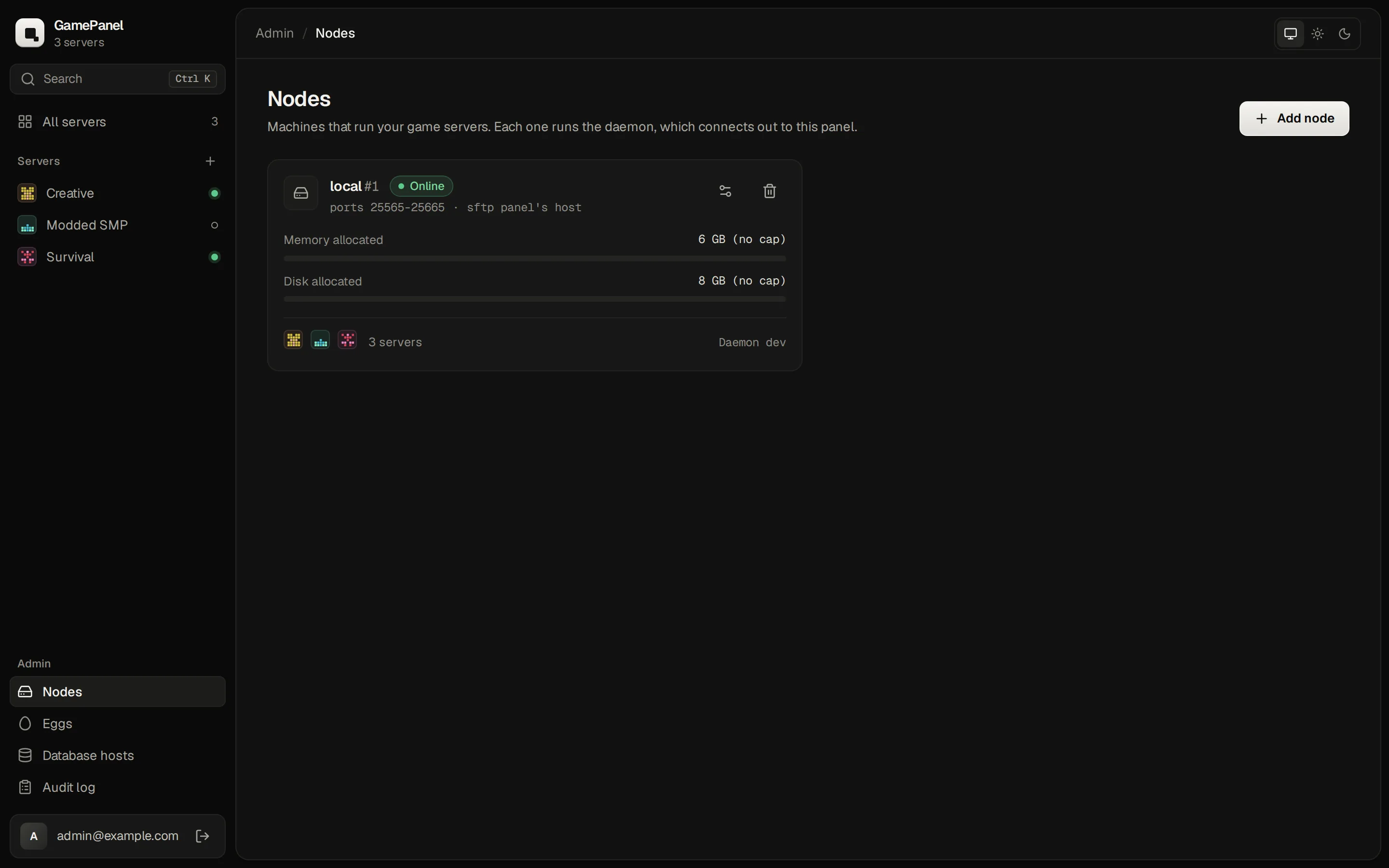
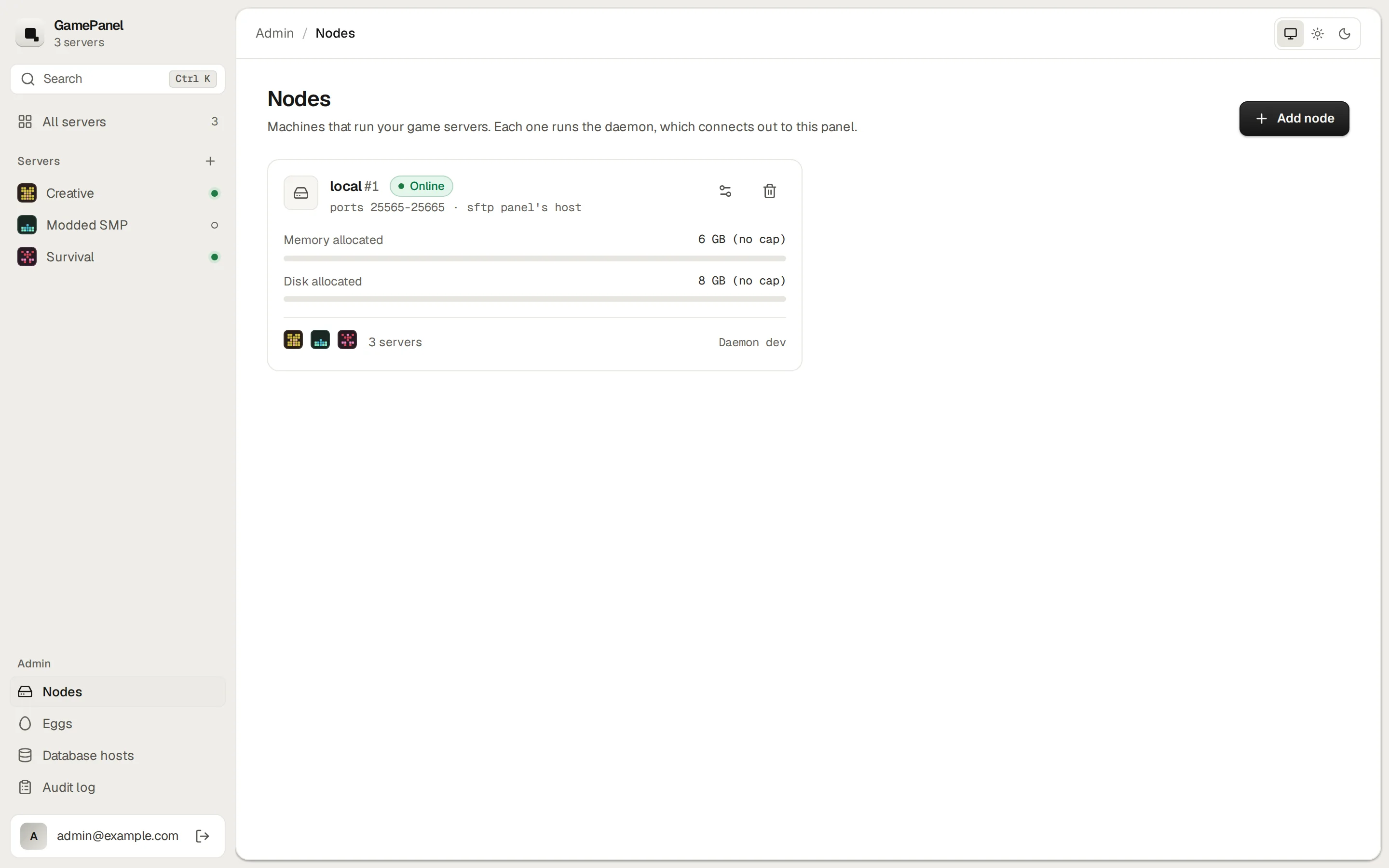
A node is a machine that runs game servers. Admins manage nodes under Nodes. To set one up, see Installing a node.
Creating a node
| Field | Meaning |
|---|---|
| Name | A label for you |
| Port range | The ports servers on this node may get. A new server takes the first free port in the range unless one is given |
| Memory capacity (MB) | Total memory servers on this node may be given; 0 = not tracked |
| Disk capacity (MB) | Total disk servers on this node may be given; 0 = not tracked |
| Over-allocate (%) | Let limits add up to the capacity plus this percentage |
The token is shown once. The panel keeps only a hash of it. If you lose it, delete the node and create a new one (possible only while it has no servers).
Capacity
When a node tracks capacity, the panel adds up the limits of its servers (not their live usage) and refuses a new server, or a raised limit, that would go over capacity × (1 + over-allocate %).
Example: memory capacity 32768 MB with over-allocate 25 allows server limits to add up to 40960 MB.
The check and the insert happen in one database transaction, so two servers created at the same moment cannot both take the last free memory.
Changing a node's capacity (PUT /api/nodes/{id}/capacity) never touches servers that are already there.
Choosing a node automatically
When a server is created without a node, the panel picks one among the online nodes (or the ones listed in node_ids, or in the locations in location_ids):
- nodes that track memory, the one with the most free memory first;
- then nodes that do not track it, the least used first;
and takes the first with room for the memory and disk and a free port. See Creating servers.
Locations
A location groups nodes: a data centre or a region (eu-west, "Frankfurt"). Shops sell a server in a location and the panel picks a node there, the same way as above. Billing modules made for Pterodactyl (WHMCS, Paymenter, Blesta) need at least one location with nodes in it.
Put a node in a location on the Nodes page (a node's settings → Location), where you can also make a new one. Through the API:
| Call | Does |
|---|---|
GET /api/locations | List locations, with how many nodes each has |
POST /api/locations | {"short": "eu-west", "long": "Frankfurt"}. The short code is unique, ignoring case |
PATCH /api/locations/{id} | Change the short code or description |
DELETE /api/locations/{id} | Only a location without nodes |
PUT /api/nodes/{id}/location | {"location_id": 3}; 0 takes the node out of any location |
A node can be in one location, or none. Imported panels keep Pterodactyl's locations, with their ids.
SFTP address
By default the panel tells SFTP users to connect to the panel's own host name, on the port the daemon reports. For a node on another machine, set its SFTP host (and port, behind NAT) on the node's page, or with PUT /api/nodes/{id}/sftp. See SFTP.
Online and offline
A node is online while its daemon is connected. While it is offline:
- its servers show the state unknown;
- nothing can be done to them (start, files, console), and new servers cannot be placed on it;
- the servers themselves keep running if they were.
When the daemon reconnects, it reports its servers and the panel brings it up to date (for example a suspension made meanwhile).
Unknown servers
If a node has a server or container the panel does not know (for example, a server deleted while its node was offline, or left behind by a failed delete), the node's page lists it as unknown. Remove it there (DELETE /api/nodes/{id}/unknown/{uuid}) to delete its container and files.
Deleting a node
Only a node with no servers can be deleted. Its token stops working at once; if the daemon is still connected, the panel drops it.