

Console and power
The server list
The Servers page shows every server you can reach as a card with live CPU, memory and disk. Filter by state, search by name, and press Ctrl K (⌘ K on a Mac) anywhere to jump to a server or page. Filters and folders live in the address, so you can bookmark or share them.
Power
| Action | What it does |
|---|---|
| Start | Starts the container. If its settings changed since the last start, the container is rebuilt first |
| Stop | Sends the egg's stop command (for example stop, or an interrupt for ^C) and waits for the server to exit |
| Restart | Stop, then start |
| Kill | Ends the server at once. Unsaved game data is lost; use it only when Stop hangs |
You need the power permission. A suspended server cannot be started by anyone; see Suspension.
States
| State | Meaning |
|---|---|
| Installing | The node is pulling the image or running the install script |
| Install failed | The install script failed. Look at the console, fix the variables, then Reinstall under Settings |
| Offline | Stopped and ready |
| Starting, Running, Stopping | As named. Running means the container runs; GamePanel does not wait for a "server started" line |
| Crashed | It exited on its own and was not restarted (see below) |
| Unknown | The node is not connected to the panel |
Crashes
When a server exits without being asked to (or is killed for running out of memory), the daemon:
- says so in the console, with the exit code and whether it ran out of memory;
- restarts it after 2 seconds;
- but if it crashes again within 60 seconds of that restart, leaves it stopped as Crashed, so a broken server does not loop forever.
A crash is recorded in the activity log as server.crash.
The console
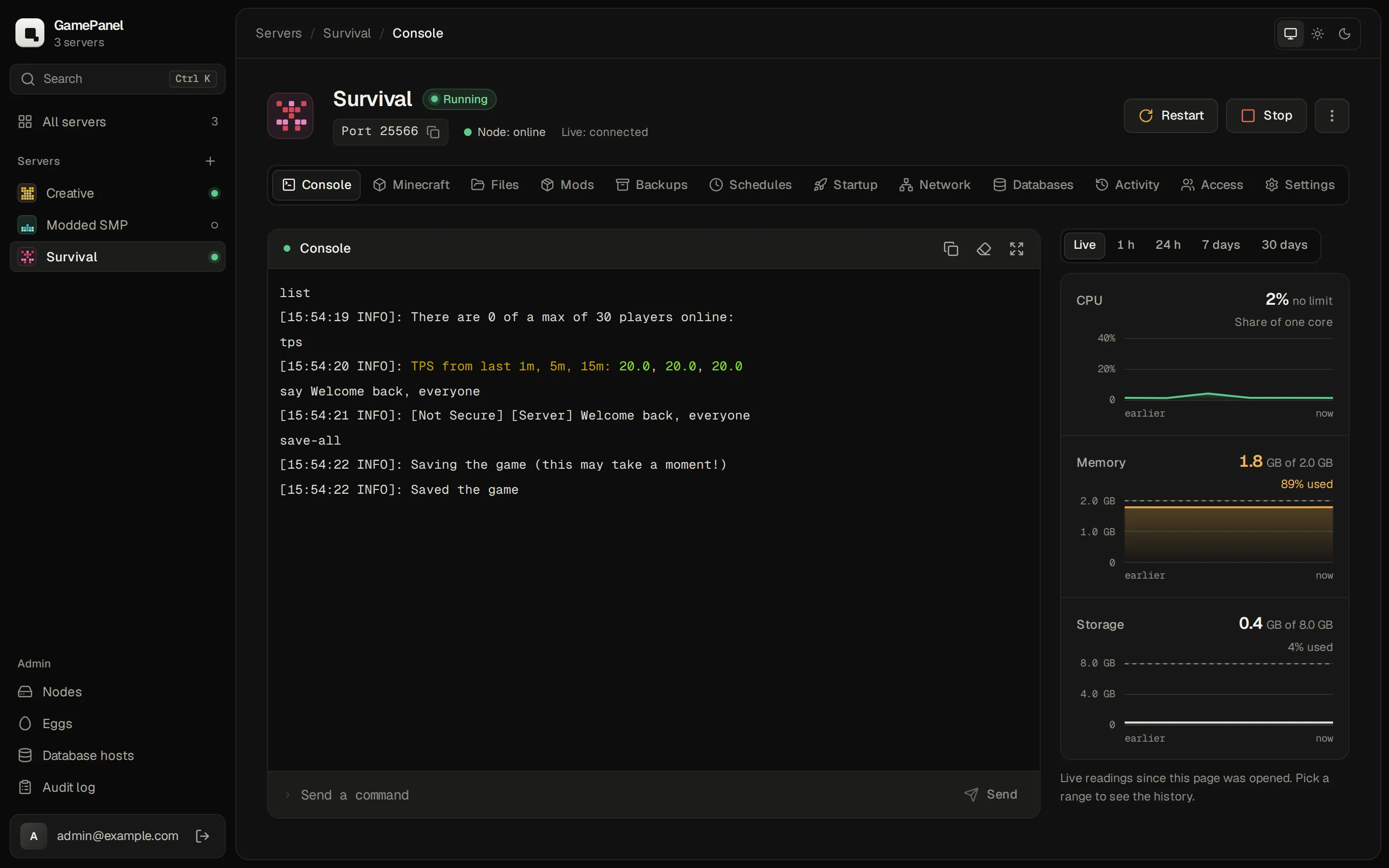
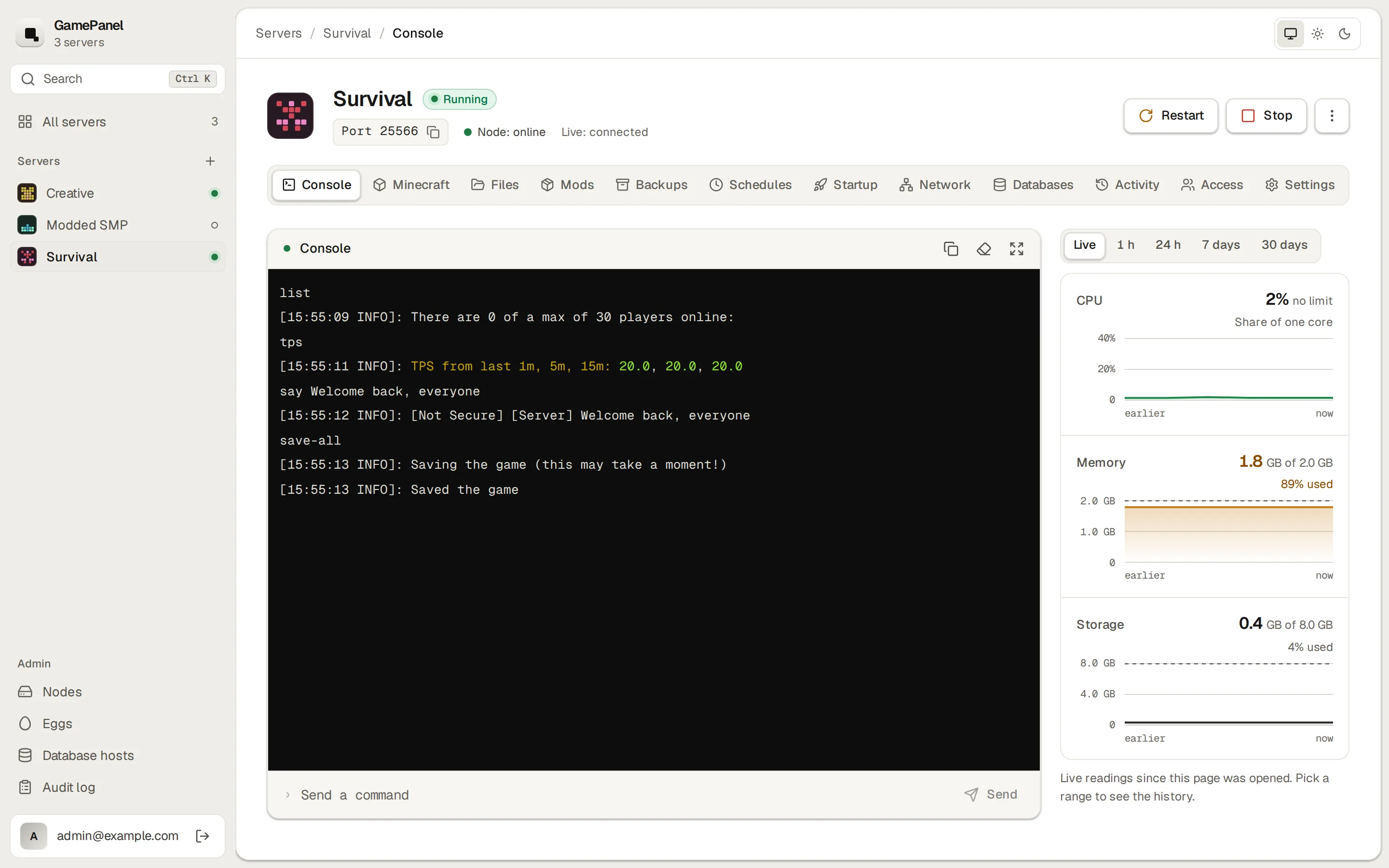
The console streams the server's output live and lets you type commands (console.send permission). When you open it you see the last 500 lines.
To keep the panel responsive:
- lines longer than 8 KiB are cut;
- a server printing more than 2,000 lines a second has the rest of that second skipped, with a notice in the console.
Every command sent is recorded in the activity log.
Usage charts
Above the console are CPU, memory and disk charts. History is kept for 30 days: per minute for the last two days, then in 15-minute buckets.
CPU is shown as a percentage of one core, so a server using two full cores shows 200%.
Limits
An admin sets each server's limits:
| Limit | Meaning |
|---|---|
| Memory | Hard cap. Over it, the kernel kills the server (and the crash handling above applies) |
| Swap | 0 none, -1 unlimited |
| CPU | 100 = one core, 0 = unlimited |
| Cores | Pin to specific cores, e.g. 0-1 |
| Disk | Checked by the daemon; a server over its limit is stopped and writes are refused |
| Processes | Default 1024 |
| IO weight | 10–1000, relative to other servers; 0 = default |
| Bandwidth | Mbit/s each way; see Network limits |
| Backups, ports, databases | How many the owner may create |
A change to a running server applies at its next start.