

Startup settings
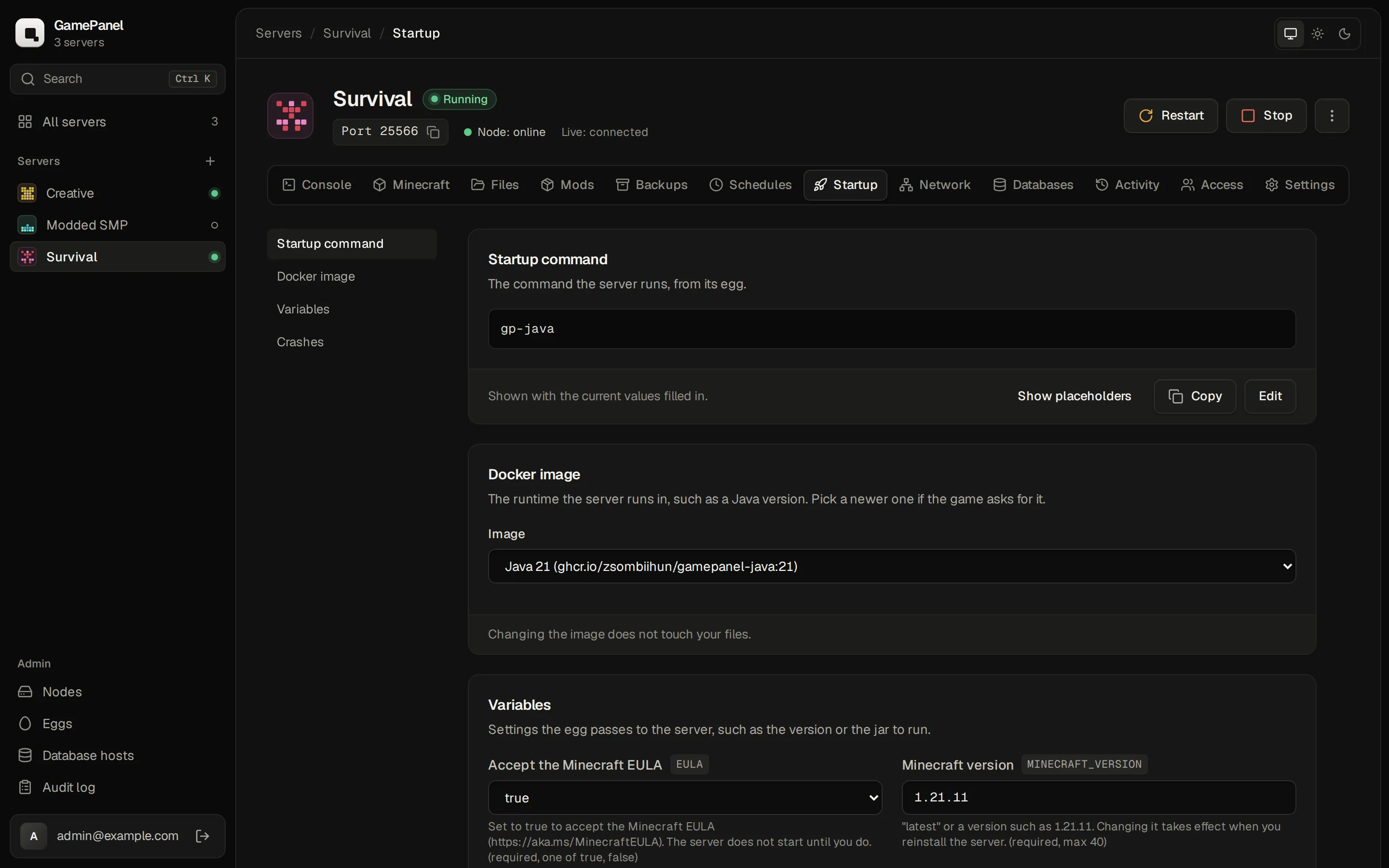
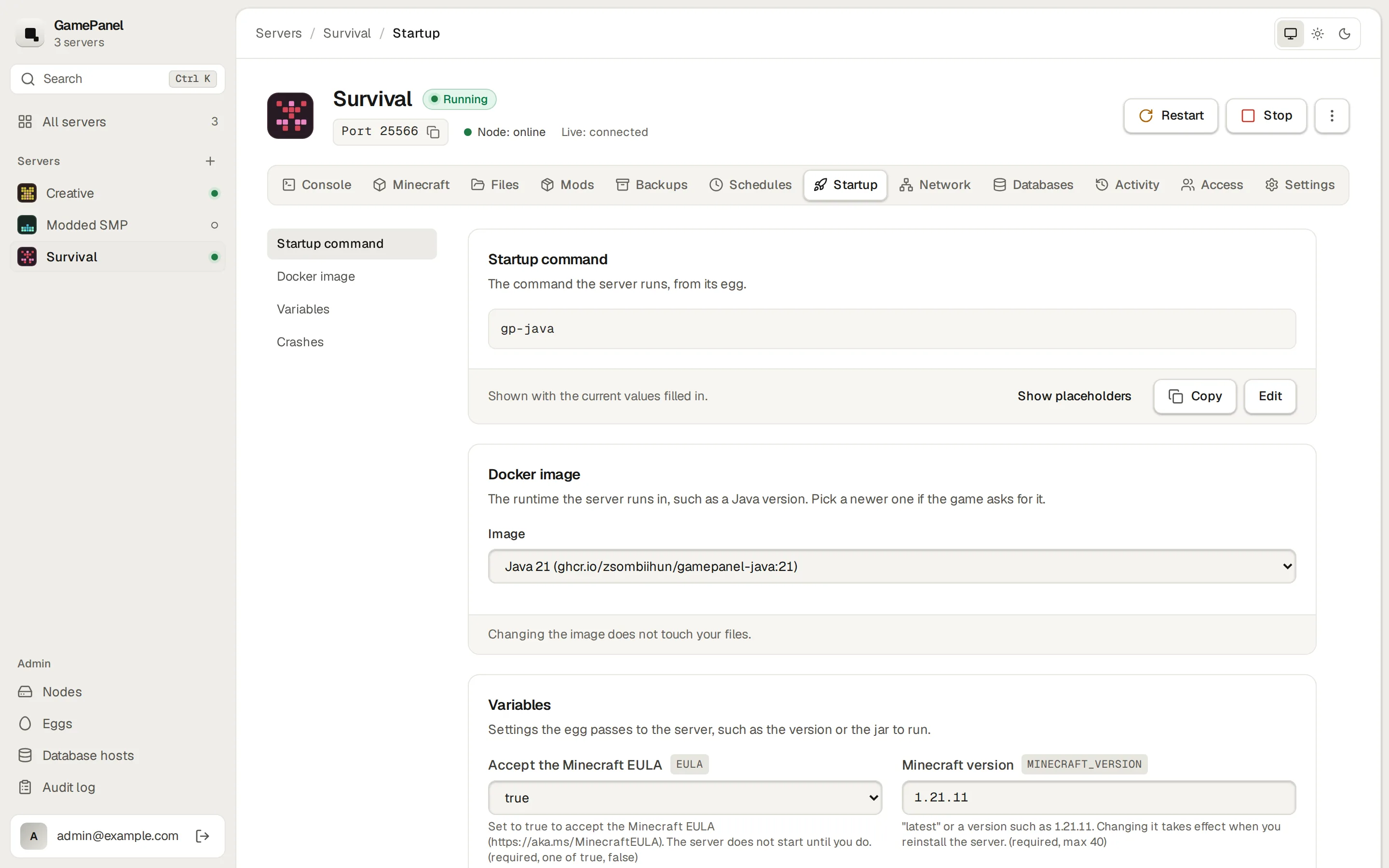
The Startup tab shows how the server starts: the startup command, the Docker image and the egg's variables.
Who can change what
| Setting | Who |
|---|---|
| See the startup command and visible variables | startup.read |
| Change variables the egg lets users edit | startup.update |
| Pick another of the egg's Docker images | startup.docker-image |
| Change variables the egg keeps for admins, set a custom image, or a custom startup command | Admins only |
Variables the egg marks as not viewable are hidden from everyone but admins.
Variables
Each variable has a description and the egg's rules, shown in plain words (for example "required, whole number, 1 to 64"). A value that breaks a rule is refused with the reason. See Eggs → Variables.
Values reach the server only as environment variables, never pasted into a shell command, so no value can run a command.
Docker image
Many eggs offer several images, for example one per Java version. Switching Java version is the usual reason to change it: newer Minecraft versions need newer Java.
When changes apply
Changes to a stopped server apply at once. A running server keeps going as it is, and the tab shows that a restart is needed; the changes apply at its next start, when the container is rebuilt.