

Try it locally
This runs the panel and a daemon on your own machine. With the fake runtime you need no Docker at all: servers look real in the interface but no containers start. It is the quickest way to look around.
For a real installation, follow Installing the panel instead.
1. Build
git clone https://github.com/ZsombiiHUN/gamepanel && cd gamepanel
make web build       # builds the interface, then bin/panel and bin/daemon
2. Start the panel
export GAMEPANEL_DB=./panel.db
bin/panel create-admin you@example.com   # prints a random password once
bin/panel                                # http://127.0.0.1:8080
TIP
Every bin/panel command opens the database. Without GAMEPANEL_DB it uses ./panel.db in the current folder and creates panel.db.key next to it, so set GAMEPANEL_DB first.
Open http://127.0.0.1:8080 and sign in with the email and the printed password.
3. Add a node
- Open Nodes → Create node. Give it a name and a port range (for example
25565–25600). - Copy the token. It is shown only once.
- In another terminal:
# Fake runtime: no containers
GAMEPANEL_NODE_TOKEN=<token> GAMEPANEL_RUNTIME=fake bin/daemon

# Or real servers, if Docker is running
GAMEPANEL_NODE_TOKEN=<token> bin/daemon
The node shows as online on the Nodes page within a second or two.
4. Import an egg
Open Eggs and import a Pterodactyl egg file (a .json file). The community collection at pelican-eggs works as it is. See Eggs.
5. Create a server
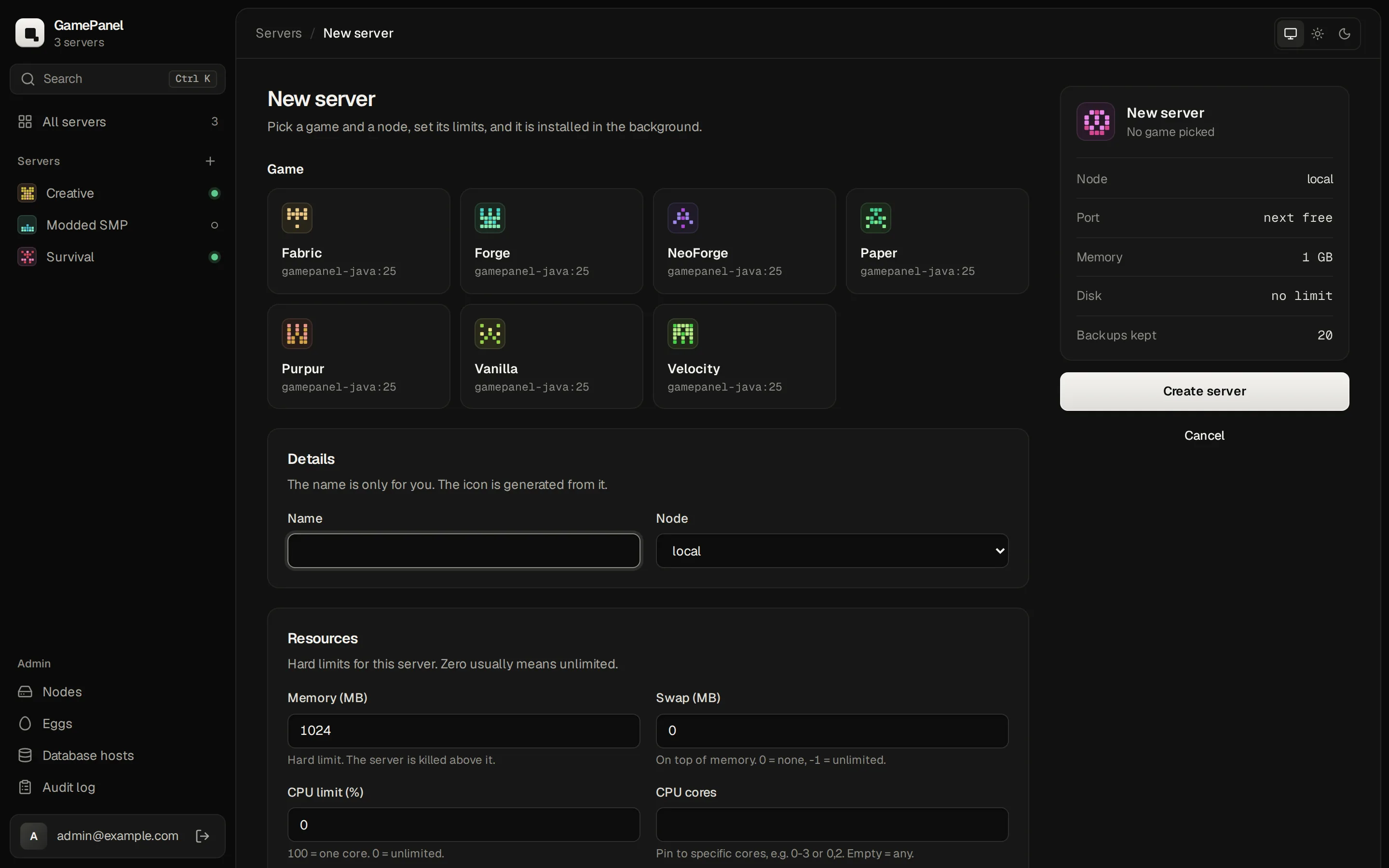
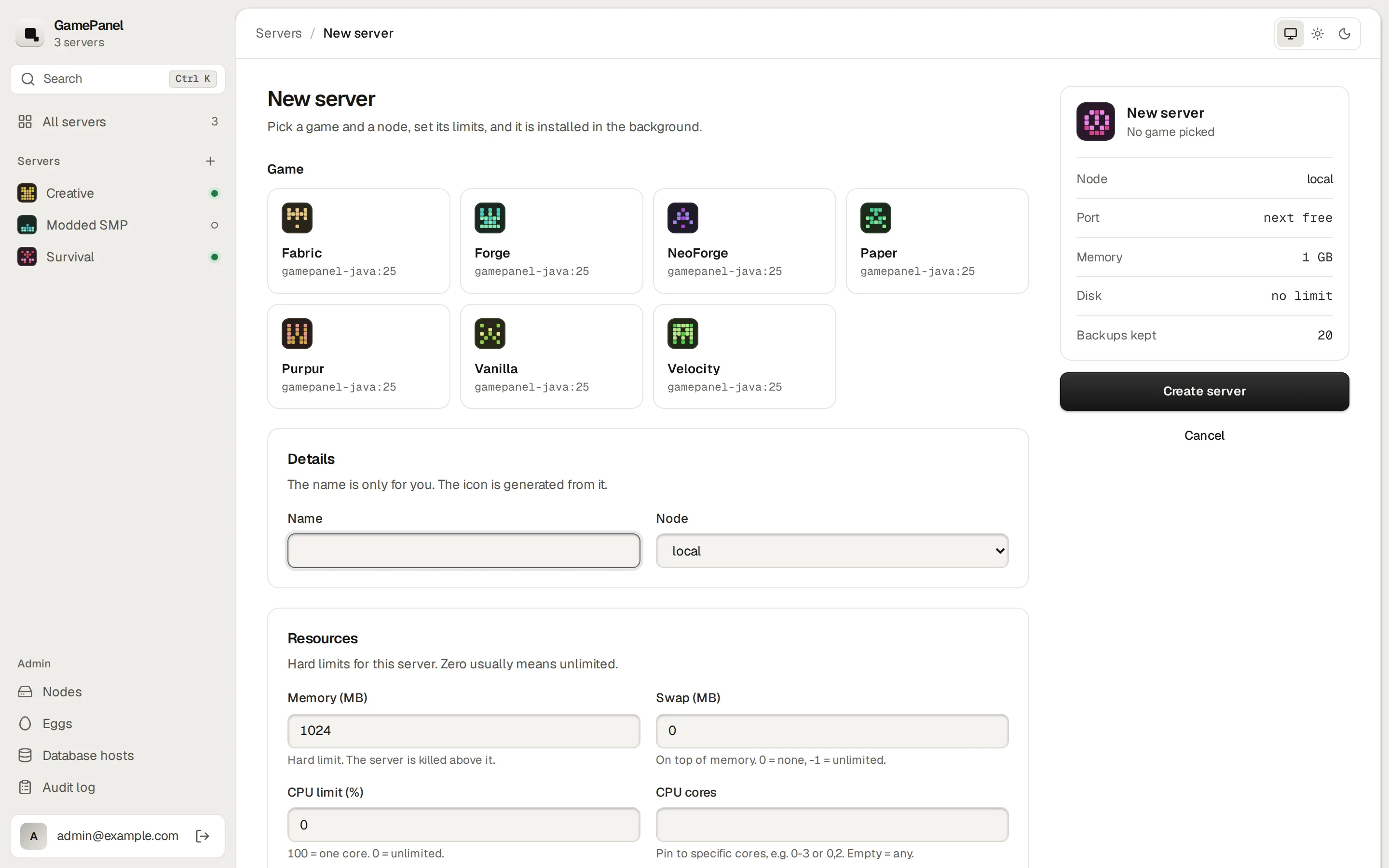
Choose New server, pick the egg, set memory and disk, and create it. The server installs in the background; its console shows the install script's output. When it reads Offline, press Start.
Next
- How it works
- Installing the panel for a real setup