

Backups
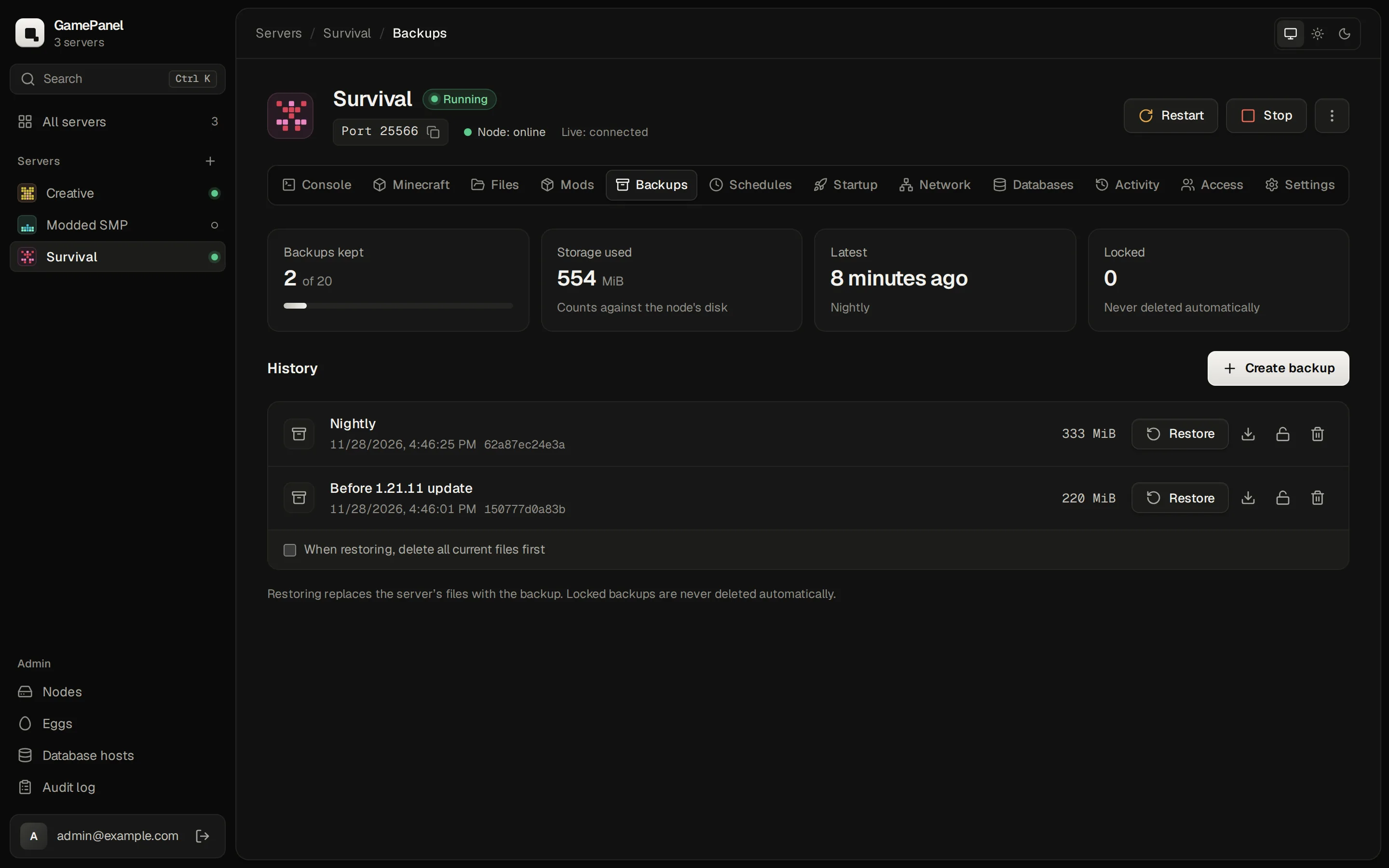
The Backups tab makes and restores copies of the server's files.
| Action | Needs |
|---|---|
| See backups | backups.read |
| Create | backups.create |
| Restore | backups.restore |
| Delete, lock and unlock | backups.delete |
| Download | backups.download |
Creating a backup
Give it a name if you like, and optionally files to leave out, one pattern per line:
logs
*.tmp
cache/
/world/region/r.0.0.mca
A pattern matches a whole path from the server's folder, or, if it has no / inside, any file or folder with that name. A matching folder is left out with everything in it. Lines starting with # are comments.
The backup runs in the background (up to 2 hours) and appears when done. Only one backup per server runs at a time. It is a .tar.gz of the server's folder. Symlinks and special files are skipped, so a backup never reads anything outside the folder.
Backups are kept on the node, or in S3 if the panel is set up for it (Backups in S3).
The backup limit
Each server may keep a number of backups (20 by default; the admin sets it). At the limit, a new backup is refused until you delete one.
Scheduled backups instead rotate: they delete the oldest unlocked backup to make room.
Locking
A locked backup cannot be deleted and is never rotated out. Lock the ones you want to keep for good.
Restoring
Stop the server first; restoring under a running game would corrupt it. A restore unpacks the backup over the server's files: files in the backup are put back as they were, and files created since are left as they are. To get exactly the old state, delete the files first.
Restores are capped at 200 GiB of unpacked data, to stop an archive that expands without end.
Downloading
Downloads stream from the node through the panel, or come straight from S3 through a link valid for 15 minutes.
What is not in a backup
- Databases from the Databases tab; export them yourself.
- The server's settings (startup, variables, limits); those are in the panel.